
A WordPress plugin that replaces the default login system with a Magic Link authentication method, allowing users to log in without passwords. Additionally, users can switch to traditional username/password authentication if preferred.
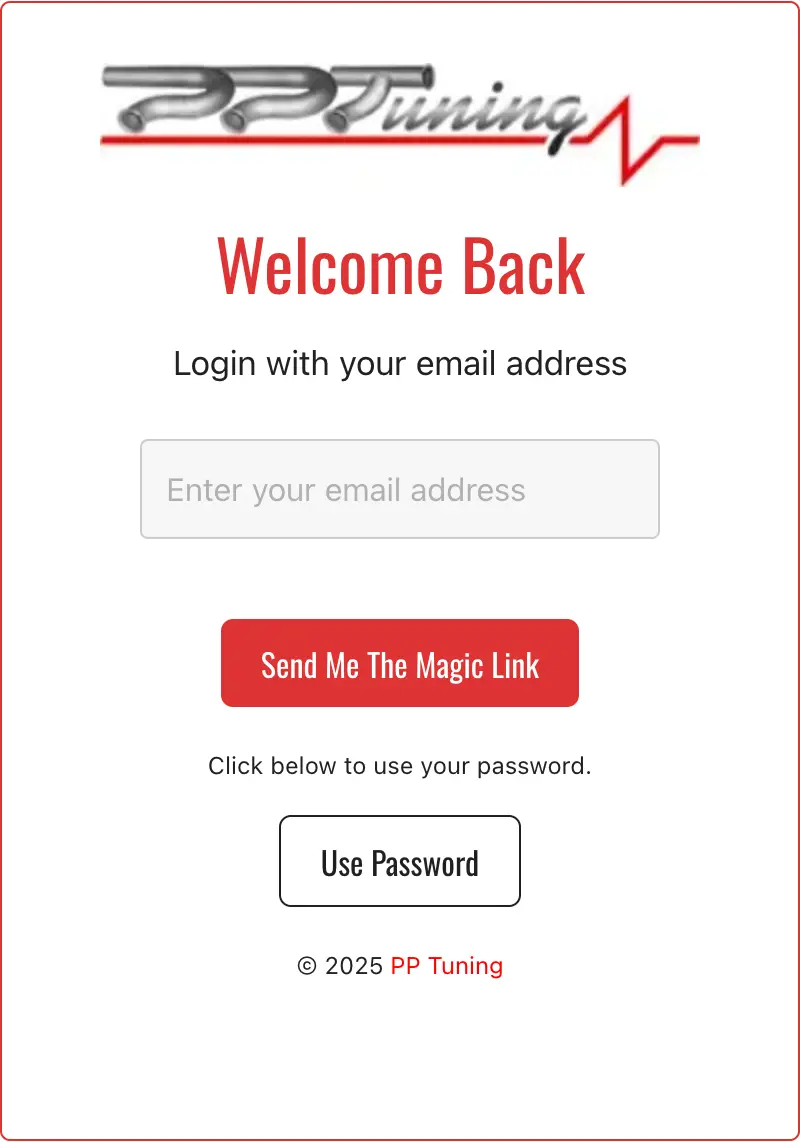
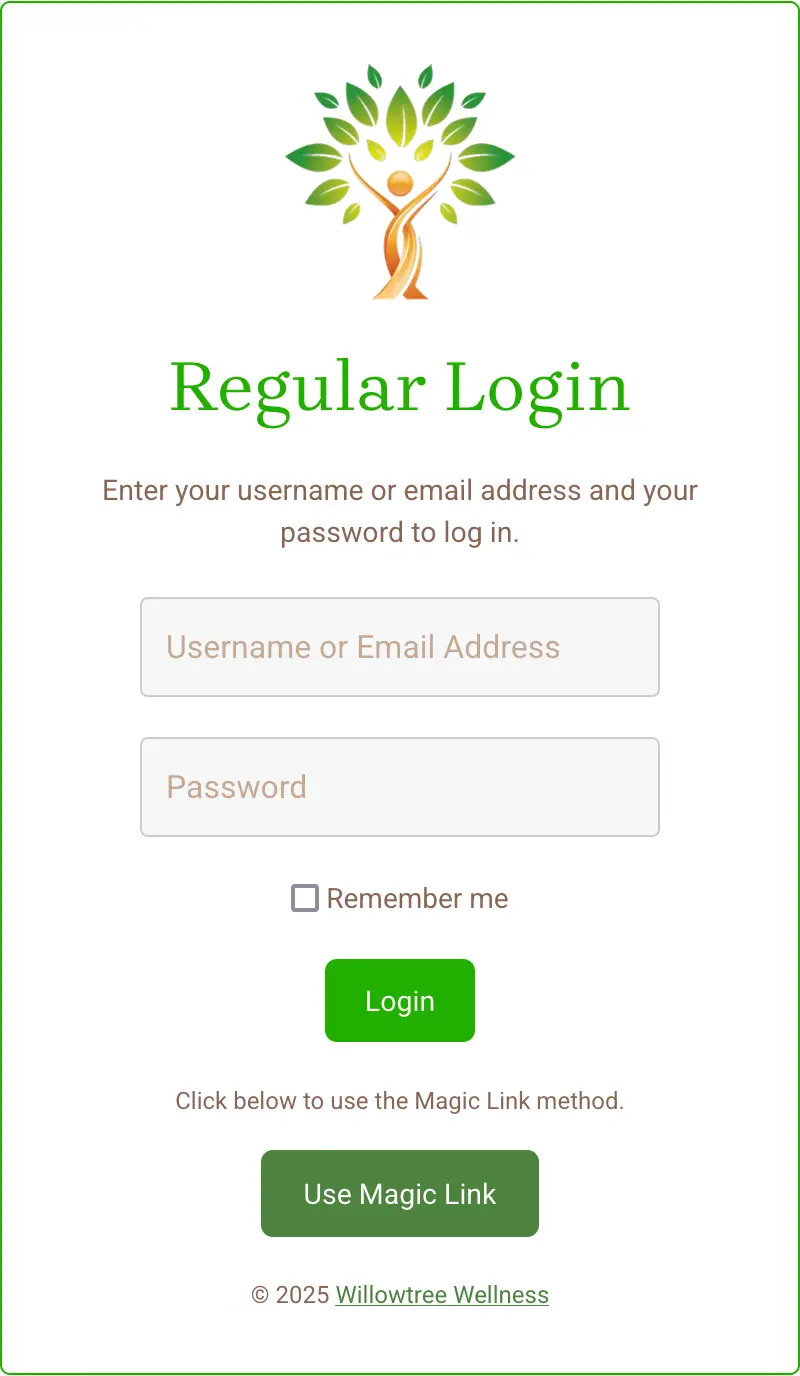
Features
✅ Passwordless Magic Link login
✅ Option to log in with a username and password
✅ Modern, customisable login form
✅ Custom sender name and email for Magic Link emails
✅ Role-based redirect URLs after login
✅ Admin settings panel for branding and email customisation
Installing the Plugin
- Go to
Plugins > Add New. - Click Upload Plugin and select the ZIP file.
- Click Install Now, then Activate.
Setting up the Plugin
- Create a new page (
Pages > Add New). - Enter a title (e.g., “Login”).
- Add this shortcode inside the page:
[mlp_logon] - Setting Up the Login Page
- Publish the page.
- Copy the page URL (address).
- Go to
Settings > Modern Loginand add the new page URL as the login page.
Customising the Login Form
- Navigate to
Modern Login > Settingsin the WordPress admin.
Branding
- Upload a logo (visible on the login form and emails).
- Set logo max width & height.
- Change heading & subheading text.
- Choose a primary colour (applies to buttons, borders, and headings).
Magic Link Email Settings
- Sender Name & Email (custom sender details).
- Email subject, header, footer, and signature.
Configuring Redirects
- Go to
Modern Login > Settings > Redirects. - Define custom post-login URLs for different user roles.
Example:
Admins →/wp-admin/
Editors →/dashboard/
Subscribers →/welcome/
How Users Log In
Option 1: Magic Link
- Enter an email address.
- If the user exists, the “Send Magic Link” button activates.
- Clicking the button sends a one-time login link via email.
- Clicking the link logs the user in.
Option 2: Username & Password
- Click “Use Password”.
- Enter username/email & password.
- Click Login.
Troubleshooting
- Emails Not Sending?
- Ensure Sender Email is valid.
- Check your spam/junk folder.
- Use an SMTP plugin like WP Mail SMTP.
- Magic Link Not Working?
- Verify your email settings.
- Ensure the user exists in WordPress.
- Login Page Not Loading?
- Check that
[mlp_logon]is inside your login page. - Make sure the correct page is set in
Modern Login > Settings.
- Check that
Recommended SMTP Plugins
For better email delivery, use:
- WP Mail SMTP opens in a new tab or
- Fluent SMTP opens in a new tab
- Full list: Best WordPress SMTP Plugins opens in a new tab.
Future Features
🚀 Google & Apple login options
🚀 Improved role-based redirects
🚀 More customisation options
